How to post a status and how long it stays
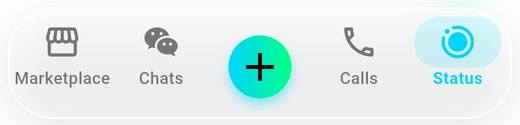
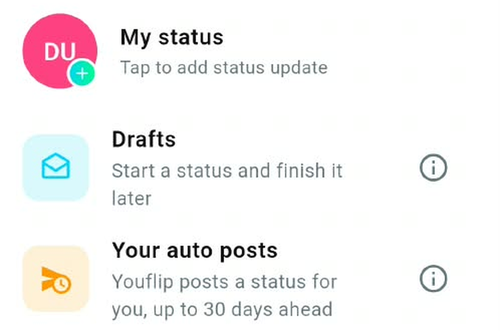
Open the Status tab and tap My status. Choose a photo, a video, or text on a coloured background.
Before it goes out you see a preview: tap Edit to change it, or post it.
Choose how long it stays up: 24 hours, 48 hours, 3 days, 5 days or 7 days. You can change the duration of a live status or delete it at any time. When its time runs out, it is removed and deleted from our servers.
People who see your status can reply; replies arrive as private messages. You can see who has viewed it.
Still need help? In the Youflip app, go to Settings → Help → Contact Customer Care to chat with the official Youflip Support account.