What the ticks and the green dot mean
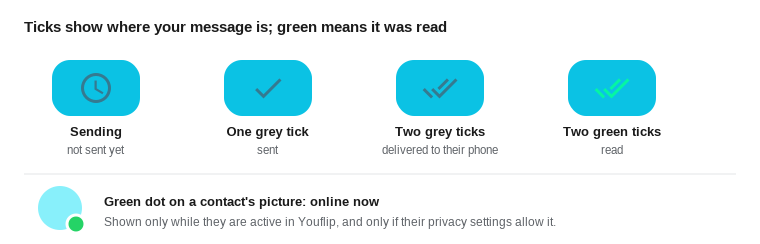
A clock: your message is still sending.
One grey tick: sent.
Two grey ticks: delivered to the other phone.
Two green ticks: read.
If you turn off Read receipts in Settings → Privacy, you will not send or see read ticks in one-to-one chats. Read receipts are always sent in groups.
The green dot on a contact’s picture means they are using Youflip right now. It turns off within about 3 minutes after they leave.
Still need help? In the Youflip app, go to Settings → Help → Contact Customer Care to chat with the official Youflip Support account.