Opening a photo or video full screen
Tap a photo or video in a chat to open it full screen.
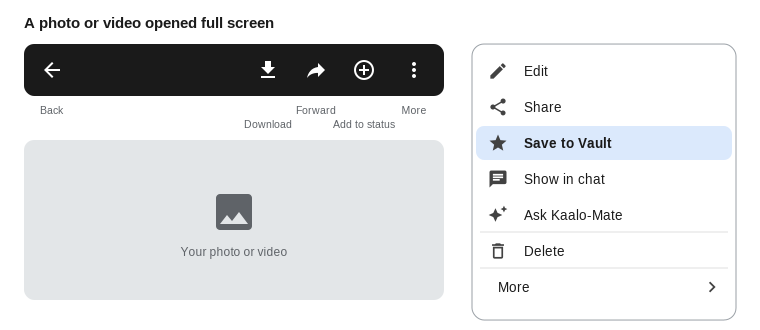
At the top: Back, Download (saves a copy to your phone), Forward, Add to status, and the three dots.
The three dots open: Edit, Share, Save to Vault, Show in chat, Ask Kaalo-Mate, Delete and More. Some items appear only when they apply to that message.
Still need help? In the Youflip app, go to Settings → Help → Contact Customer Care to chat with the official Youflip Support account.